# Kanban
Published: November 26, 2025
Version: ^2.9.0
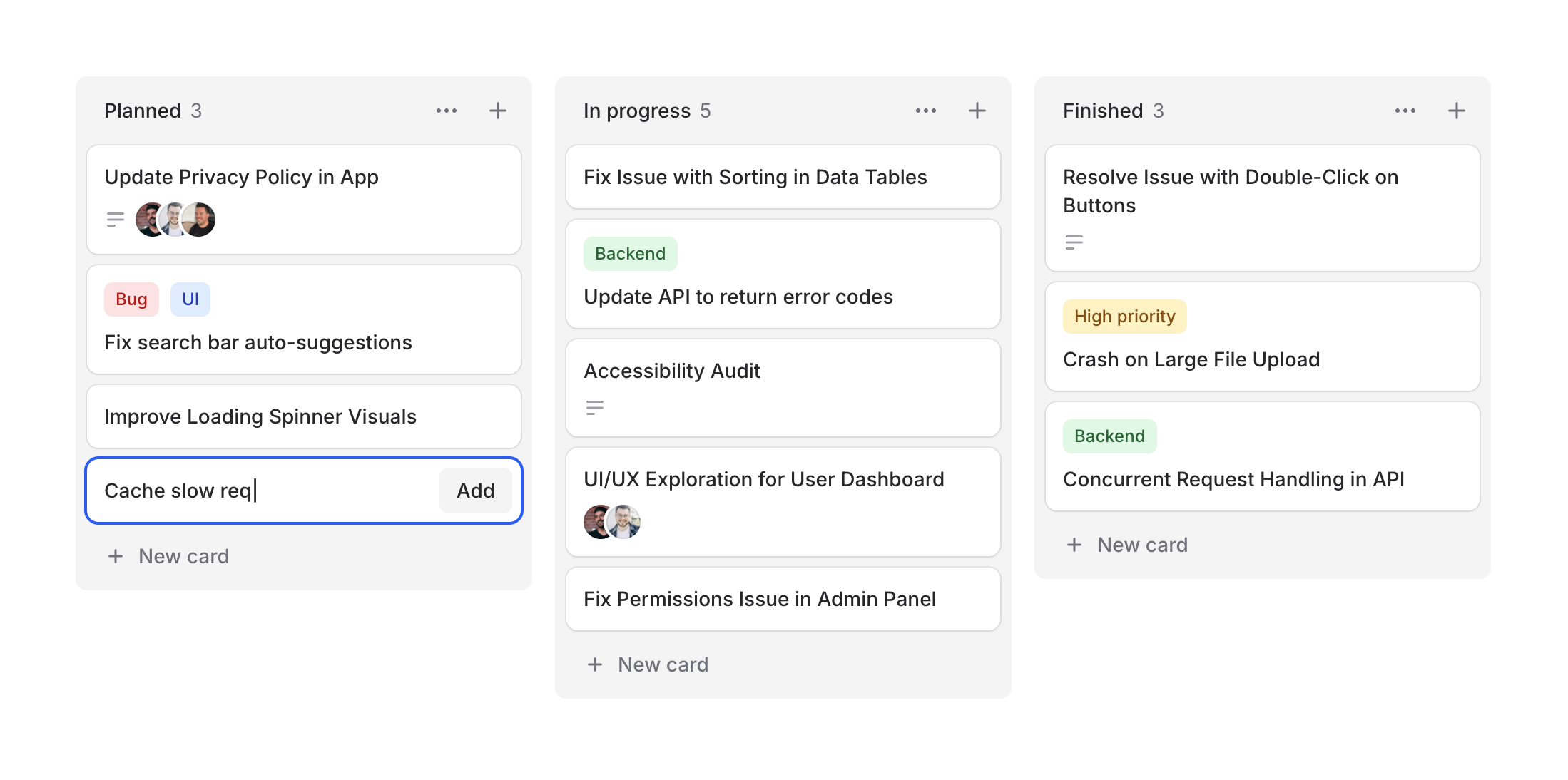 Project management, task tracking, workflow visualization—kanban boards are everywhere. Designing them from scratch can be tedious, so we figured Flux should make it easy.
Cheeck out our new **Kanban** system, a collection of components for building beautiful workflow boards. Take a look.
```blade
@foreach ($columns as $column)
@foreach ($column->cards as $card)
@endforeach
@endforeach
```
## Column arrangements
Project management, task tracking, workflow visualization—kanban boards are everywhere. Designing them from scratch can be tedious, so we figured Flux should make it easy.
Cheeck out our new **Kanban** system, a collection of components for building beautiful workflow boards. Take a look.
```blade
@foreach ($columns as $column)
@foreach ($column->cards as $card)
@endforeach
@endforeach
```
## Column arrangements
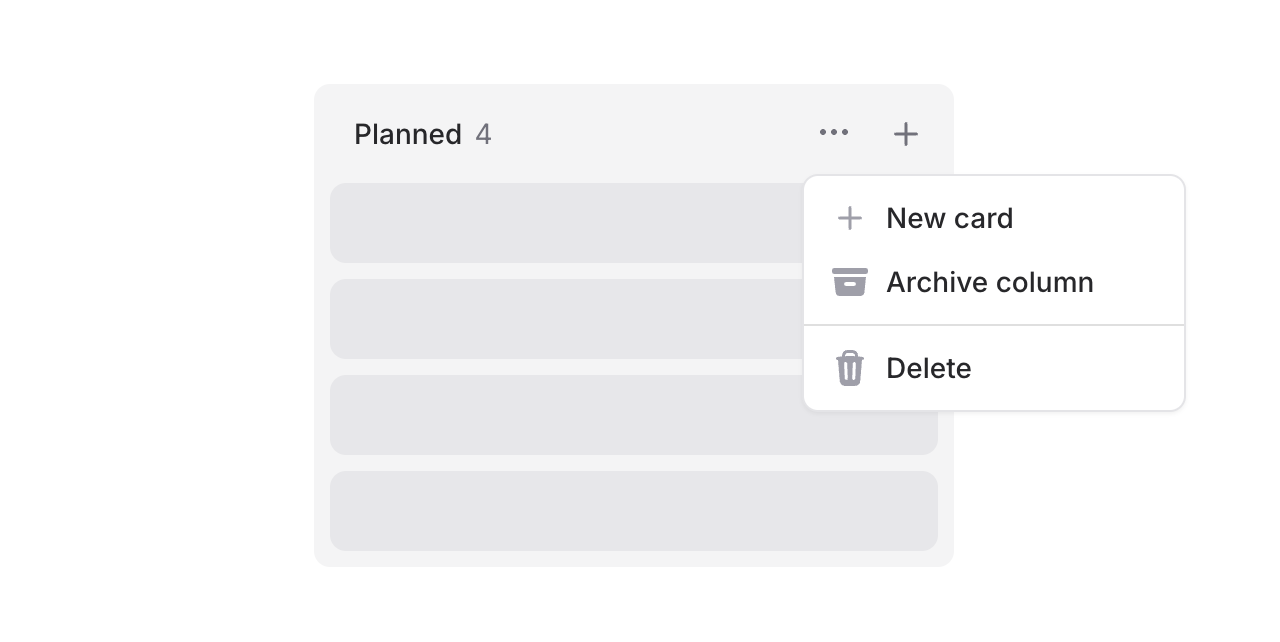 Columns support headings, counts, and action slots. Add dropdowns for column management or quick-add buttons:
```blade
New card
```
## Flexible cards
Cards are composable with header and footer slots for maximum flexibility.
### Card headers
Columns support headings, counts, and action slots. Add dropdowns for column management or quick-add buttons:
```blade
New card
```
## Flexible cards
Cards are composable with header and footer slots for maximum flexibility.
### Card headers
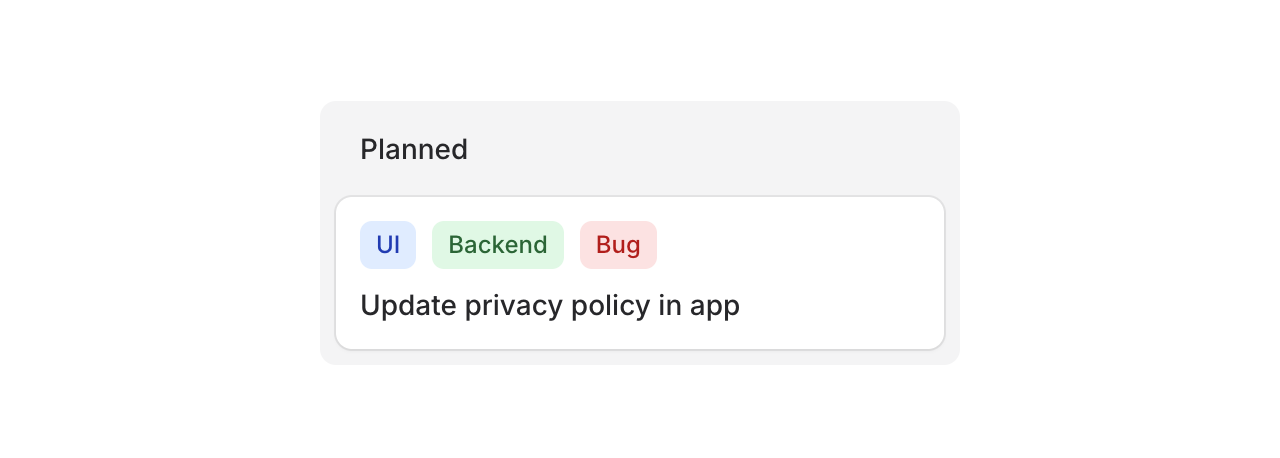 Use the header slot for badges, tags, or labels:
```blade
Use the header slot for badges, tags, or labels:
```blade
UI
Backend
Bug
```
### Card footers
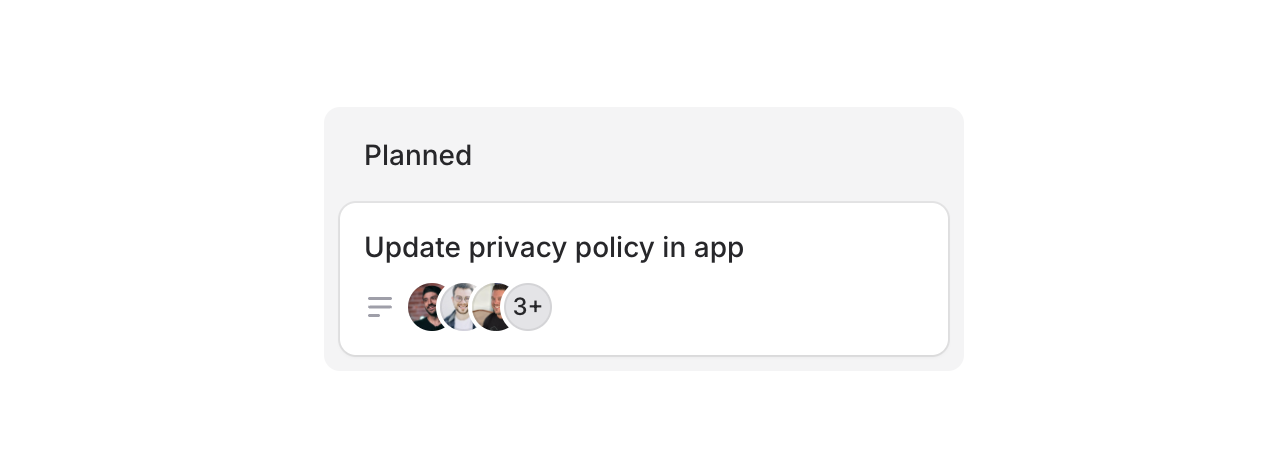 Use the footer slot for avatars, icons, or metadata:
```blade
```
Cards can also be made clickable with `as="button"` to open modals or detail views:
```blade
```
## Drag & drop
Flux doesn't ship with drag-and-drop features, but you can add them using Alpine's [x-sort plugin](https://alpinejs.dev/plugins/sort) or preferably [wire:sort](https://livewire.laravel.com/docs/4.x/wire-sort) in Livewire 4 (currently in beta):
```blade
@foreach ($columns as $column)
@foreach ($column->cards as $card)
@endforeach
@endforeach
```
---
Check out the [Kanban documentation](https://fluxui.dev/components/kanban) for more examples and the full API reference.
Use the footer slot for avatars, icons, or metadata:
```blade
```
Cards can also be made clickable with `as="button"` to open modals or detail views:
```blade
```
## Drag & drop
Flux doesn't ship with drag-and-drop features, but you can add them using Alpine's [x-sort plugin](https://alpinejs.dev/plugins/sort) or preferably [wire:sort](https://livewire.laravel.com/docs/4.x/wire-sort) in Livewire 4 (currently in beta):
```blade
@foreach ($columns as $column)
@foreach ($column->cards as $card)
@endforeach
@endforeach
```
---
Check out the [Kanban documentation](https://fluxui.dev/components/kanban) for more examples and the full API reference.