# Bar charts + chart builder
Published: February 9, 2026
Version: ^2.12.0
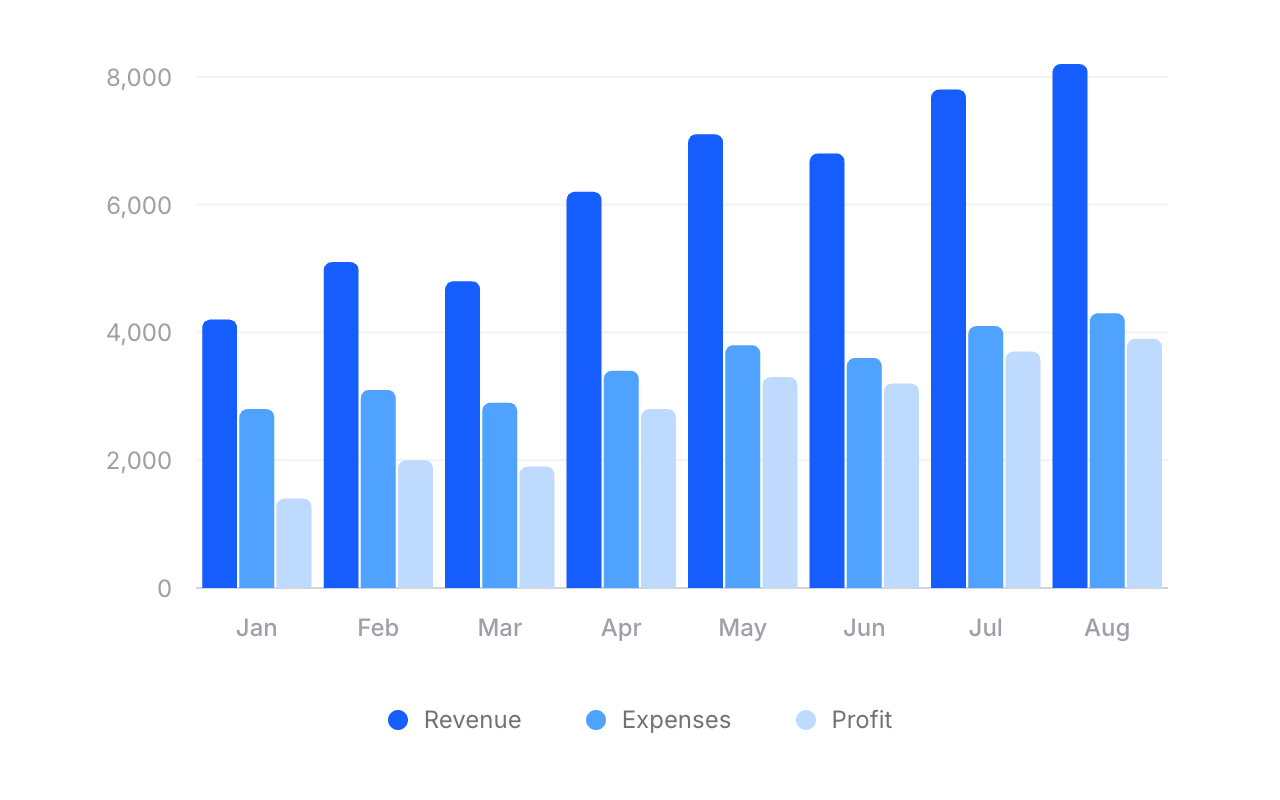 Flux charts just got a whole lot more powerful. As of v2.12.0, our chart component now supports **bar charts** — single bars, grouped bars, stacked bars, and even mixed line-and-bar charts.
We also built a dedicated [chart builder →](https://fluxui.dev/charts) so you can visually design your chart and copy the code straight into your Blade templates.
Let's take a look.
## Bars. Groups. Stacks.
Flux charts just got a whole lot more powerful. As of v2.12.0, our chart component now supports **bar charts** — single bars, grouped bars, stacked bars, and even mixed line-and-bar charts.
We also built a dedicated [chart builder →](https://fluxui.dev/charts) so you can visually design your chart and copy the code straight into your Blade templates.
Let's take a look.
## Bars. Groups. Stacks.
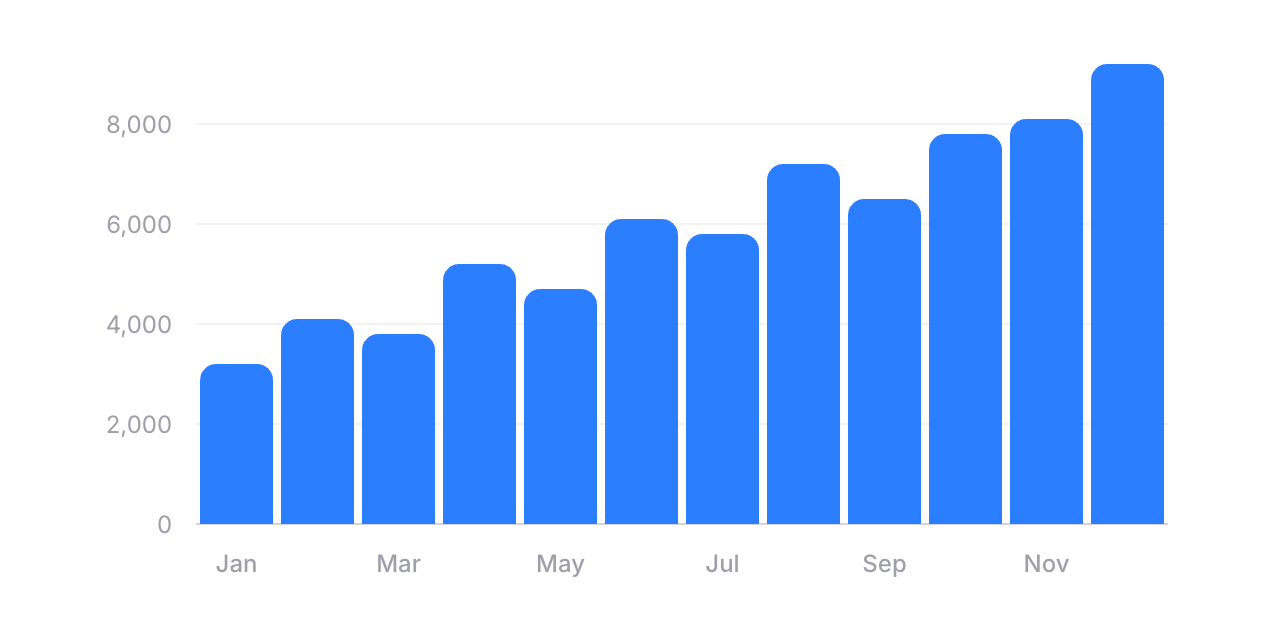 Adding a bar chart is as simple as swapping `flux:chart.line` for `flux:chart.bar`:
```blade
```
You can customize `radius` for rounded corners, `width` to control bar thickness, and `min-height` so small values still remain visible. Everything you'd expect.
### Grouped bars
Adding a bar chart is as simple as swapping `flux:chart.line` for `flux:chart.bar`:
```blade
```
You can customize `radius` for rounded corners, `width` to control bar thickness, and `min-height` so small values still remain visible. Everything you'd expect.
### Grouped bars
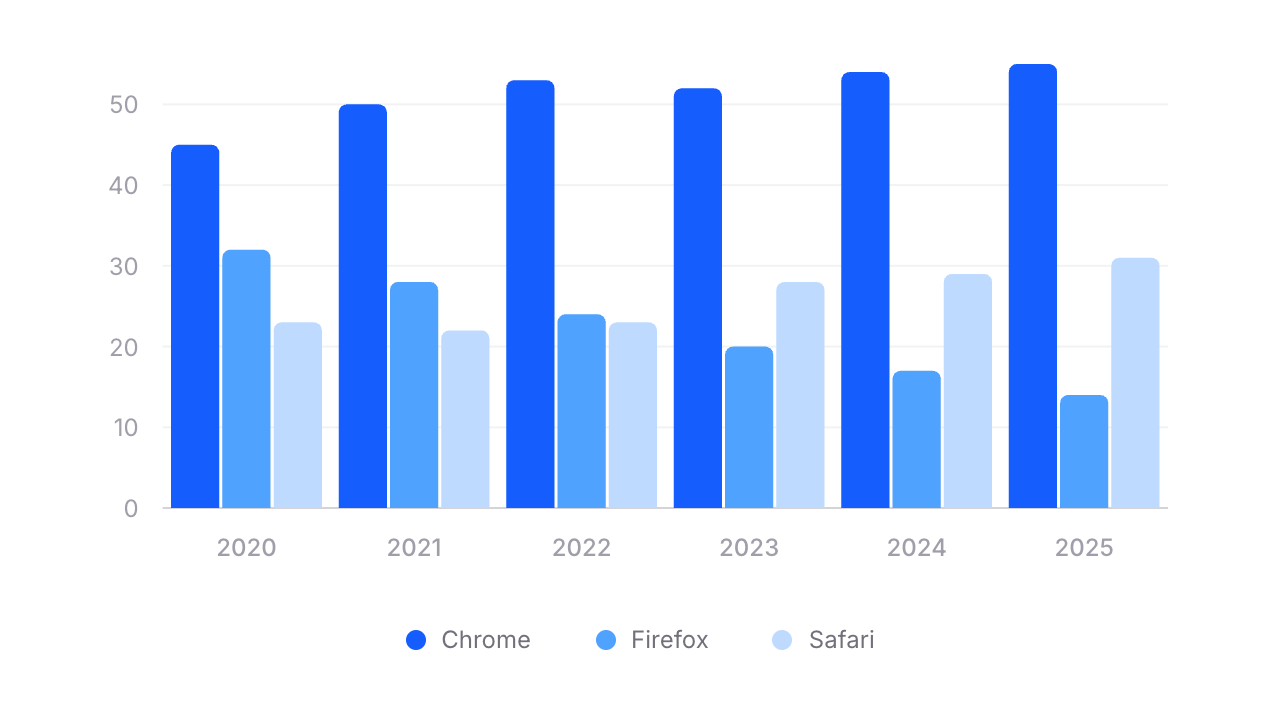 Need to compare multiple data series side by side? Wrap your bars in a `flux:chart.group`:
```blade
Need to compare multiple data series side by side? Wrap your bars in a `flux:chart.group`:
```blade
```
### Stacked bars
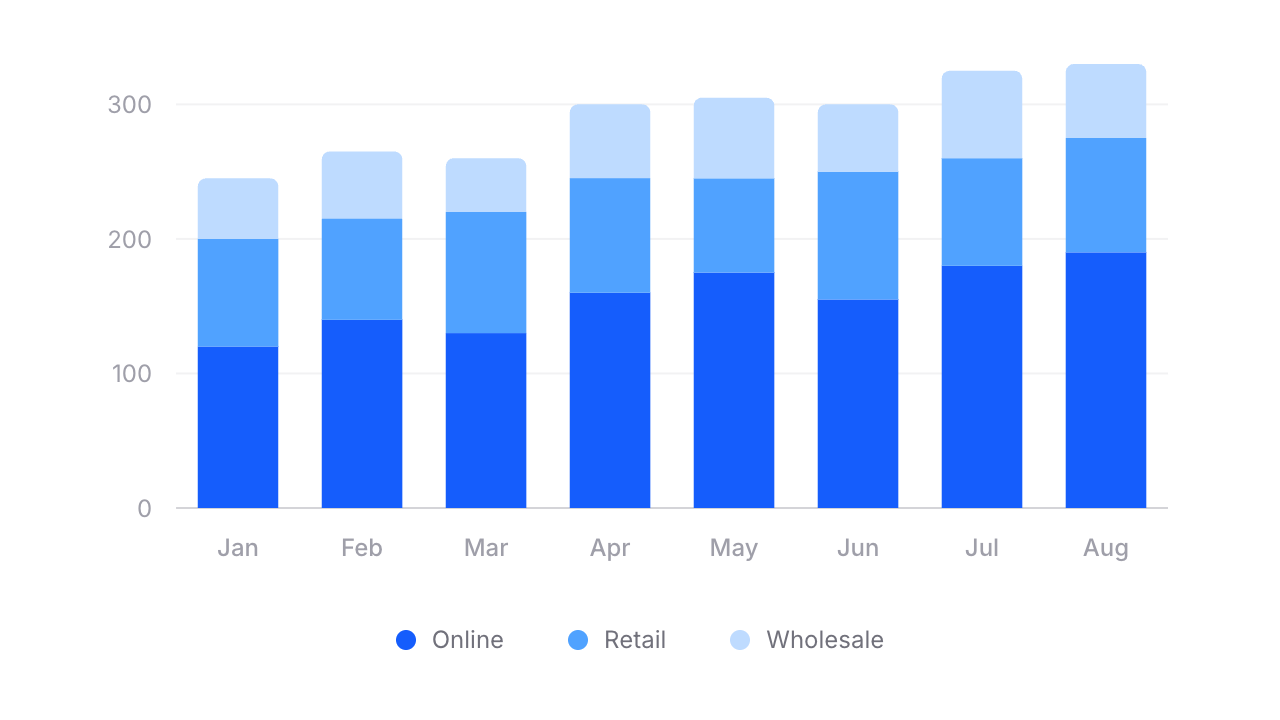 For stacked bars, swap `flux:chart.group` for `flux:chart.stack`:
```blade
```
Notice `radius="4 0"` on the last bar — that rounds only the top corners of the stack, giving it a clean, finished look.
## Mix and match
Because Flux charts are fully composable, you can combine lines and bars in the same chart. Want a bar chart with a trend line overlaid? Just include both:
```blade
```
No special config. No mode switching. Just composable components.
## Build charts visually
Rather than fiddling with JSON configuration objects like most charting libraries, we built a [chart builder](https://fluxui.dev/charts) where you can visually design your chart from start to finish. Pick a preset, configure your series, tweak axes and tooltips, then hit "Get code" and paste clean Blade markup straight into your project.
[Try the chart builder →](https://fluxui.dev/charts)
---
[Check out the chart docs →](https://fluxui.dev/components/chart)
For stacked bars, swap `flux:chart.group` for `flux:chart.stack`:
```blade
```
Notice `radius="4 0"` on the last bar — that rounds only the top corners of the stack, giving it a clean, finished look.
## Mix and match
Because Flux charts are fully composable, you can combine lines and bars in the same chart. Want a bar chart with a trend line overlaid? Just include both:
```blade
```
No special config. No mode switching. Just composable components.
## Build charts visually
Rather than fiddling with JSON configuration objects like most charting libraries, we built a [chart builder](https://fluxui.dev/charts) where you can visually design your chart from start to finish. Pick a preset, configure your series, tweak axes and tooltips, then hit "Get code" and paste clean Blade markup straight into your project.
[Try the chart builder →](https://fluxui.dev/charts)
---
[Check out the chart docs →](https://fluxui.dev/components/chart)