# Horizontal charts
Published: August 19, 2026
Version: ^2.18.0
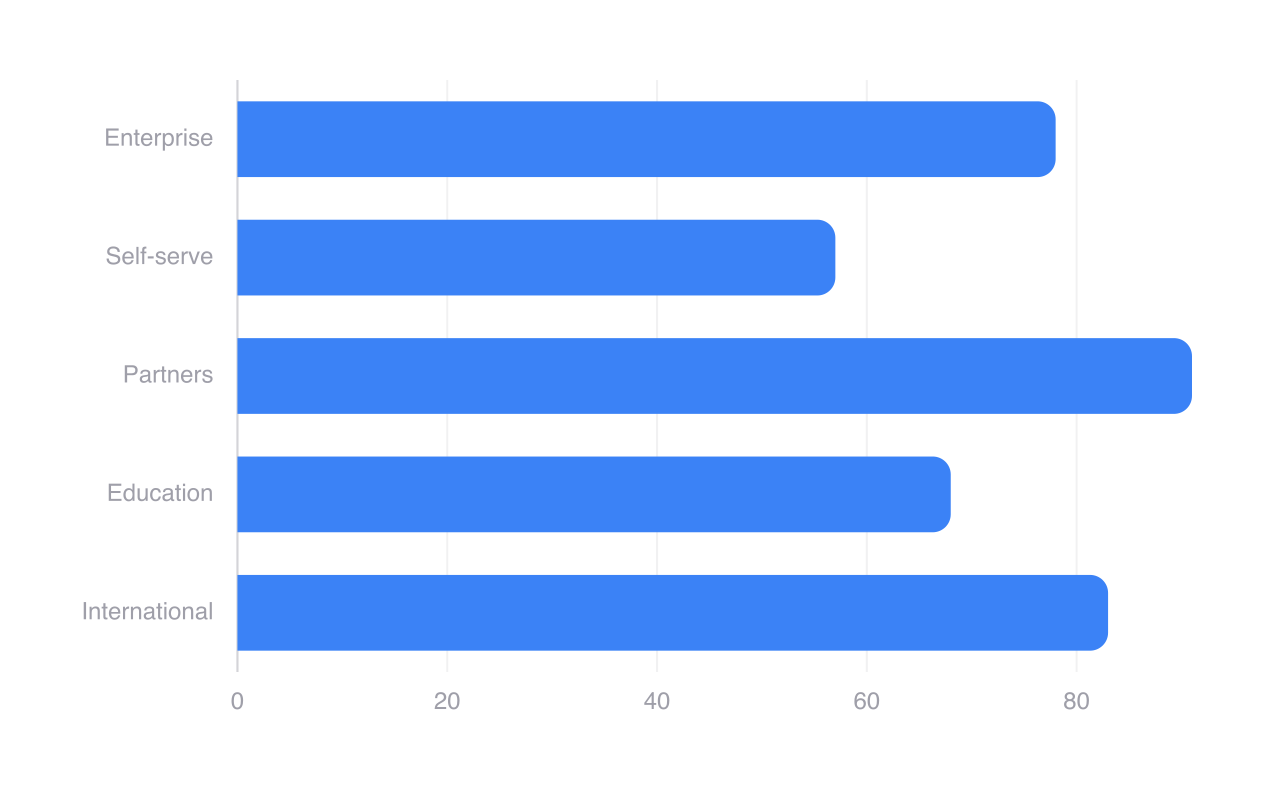
Flux charts now support **horizontal layouts**. Add the `horizontal` prop and Flux will place the chart's index on the Y axis and its values on the X axis.
Bars, groups, stacks, lines, areas, points, cursors, and tooltips all work the same way—just turned on their side.
## One prop, same chart
```blade
```
The category or time field moves to the Y axis, while the numeric scale moves to the X axis. Everything else stays composable, so existing bar, line, and area charts can use the same components and configuration.
## Mix, group, and stack
Horizontal orientation works across the full chart system. You can group bars for side-by-side comparisons, stack them to show totals, mix positive and negative values around a zero line, or transpose a line and area chart without learning a separate API.
## Build them visually
The [chart builder](https://fluxui.dev/charts) now includes a Horizontal preset and an orientation control. Pick a layout, configure logical index and value axes, then copy the generated Blade markup into your project.
[Try the chart builder →](https://fluxui.dev/charts)
---
[Check out the chart docs →](https://fluxui.dev/components/chart#horizontal-charts)