# Toast actions
Published: September 8, 2026
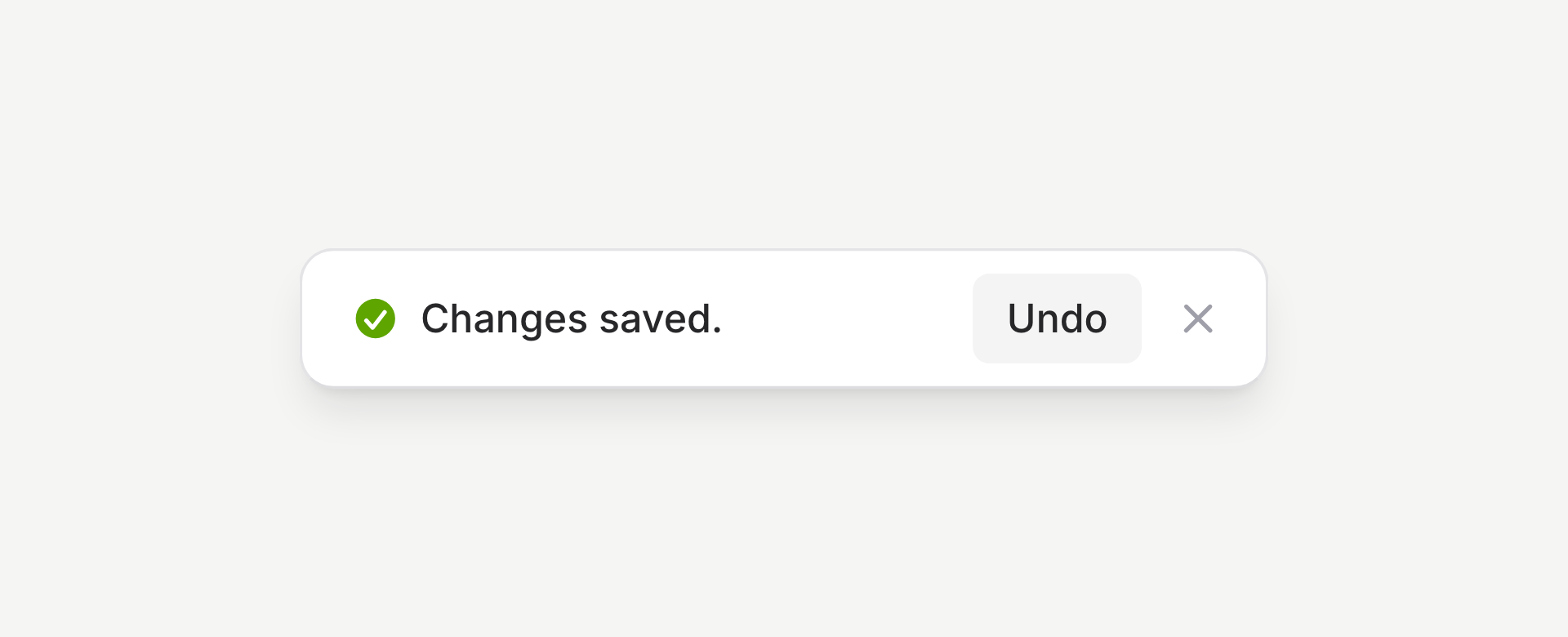 Flux toasts can now include an action. Give someone an **Undo** right after saving, or a **View** link to the invoice they just created, while the context is still fresh.
With `` in your layout, add an action to your PHP toast call:
```php
Flux::toast(
text: 'Changes saved.',
action: [
'label' => 'Undo',
'event' => 'undo-changes',
'params' => ['changeSetId' => $changeSet->id],
],
);
```
The action dispatches an event with your parameters. Listen with Livewire's `#[On('undo-changes')]` on an `undoChanges(int $changeSetId)` method and supply the undo logic.
On Livewire 4.4.4 or later, the button shows a spinner while the request runs, then dismisses the toast when it finishes. Its width stays put, so nothing jumps around when you click.
If the toast should stick around after the action, add `'dismiss' => false`. Use `duration: 0` when you also want to turn off automatic dismissal.
For a link instead, use `href`:
```php
Flux::toast(
text: 'Invoice created.',
action: [
'label' => 'View',
'href' => route('invoices.show', $invoice),
'navigate' => true,
],
);
```
That renders a real link, so opening it in a new tab works as expected. `navigate` opts into Livewire's `wire:navigate`.
[Check out the toast docs →](https://fluxui.dev/components/toast#actions)
Flux toasts can now include an action. Give someone an **Undo** right after saving, or a **View** link to the invoice they just created, while the context is still fresh.
With `` in your layout, add an action to your PHP toast call:
```php
Flux::toast(
text: 'Changes saved.',
action: [
'label' => 'Undo',
'event' => 'undo-changes',
'params' => ['changeSetId' => $changeSet->id],
],
);
```
The action dispatches an event with your parameters. Listen with Livewire's `#[On('undo-changes')]` on an `undoChanges(int $changeSetId)` method and supply the undo logic.
On Livewire 4.4.4 or later, the button shows a spinner while the request runs, then dismisses the toast when it finishes. Its width stays put, so nothing jumps around when you click.
If the toast should stick around after the action, add `'dismiss' => false`. Use `duration: 0` when you also want to turn off automatic dismissal.
For a link instead, use `href`:
```php
Flux::toast(
text: 'Invoice created.',
action: [
'label' => 'View',
'href' => route('invoices.show', $invoice),
'navigate' => true,
],
);
```
That renders a real link, so opening it in a new tab works as expected. `navigate` opts into Livewire's `wire:navigate`.
[Check out the toast docs →](https://fluxui.dev/components/toast#actions)